I design and build responsive websites that look good, run fast, and are made to last.
Pixel Designs
My name is Chad Blincoe. I'm a Front-end developer based in Lakeland, FL, and I love creating clean, functional websites that look as good as they work. I build responsive sites that perform well on every device, from phones to large desktop screens.
I've worked with both WordPress and Webflow and can use either when a project calls for it, but most of my work is coded from scratch. Writing my own code gives me the freedom to design exactly what I have in mind instead of working around the limits of a template. Once your site is live, I can also handle ongoing updates and maintenance so it keeps growing with your business.
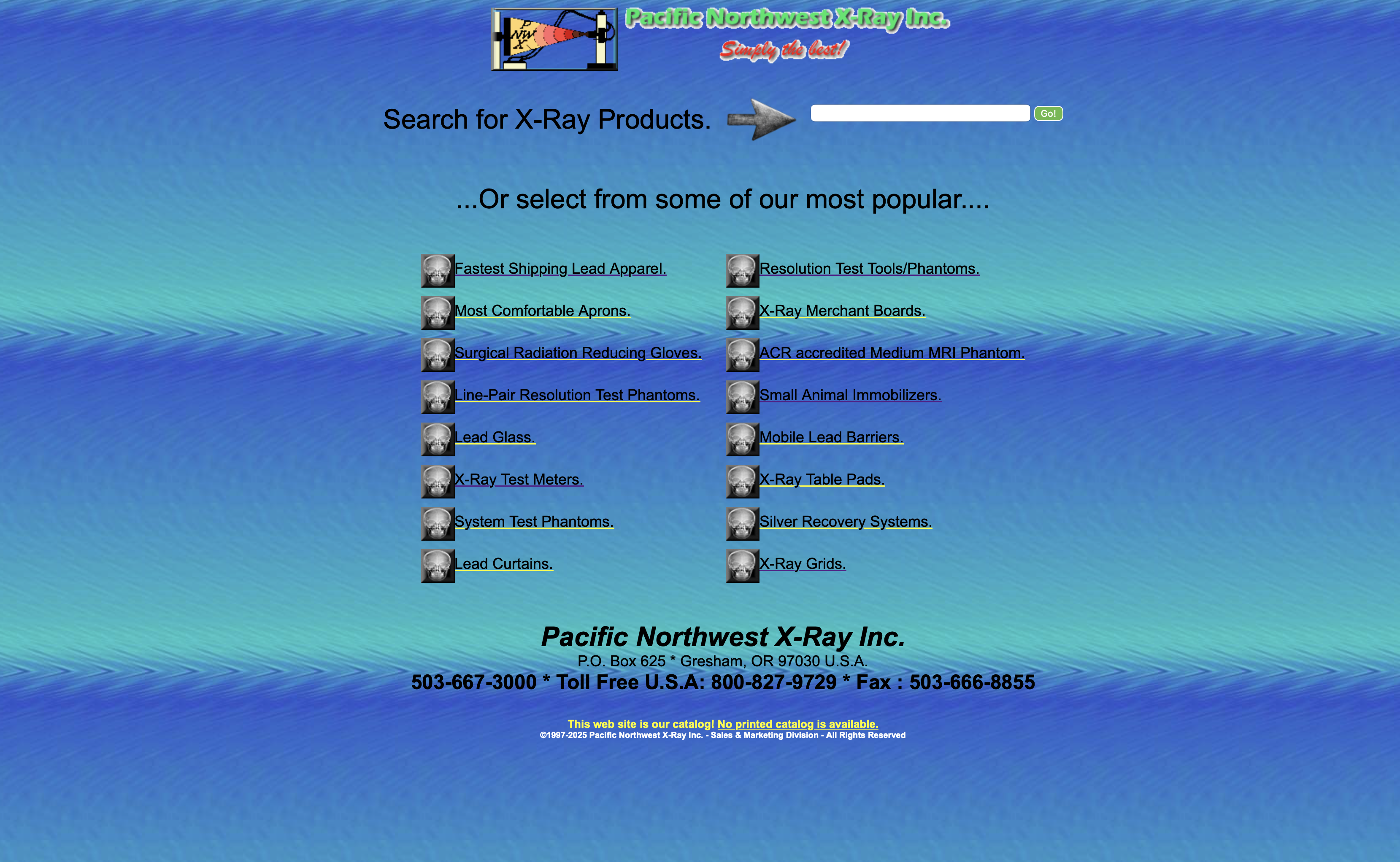
Complete front-end redesign of a 28-year-old medical equipment dealer's website. Rebuilt the dated early-2000s layout as a modern light-theme site with clearer navigation, stronger visual hierarchy, and a mobile-first responsive build.
A complete front-end redesign of the website for Pacific NW X-Ray, a medical equipment dealer whose site had been online for roughly 28 years. This was a solo project: I handled both the design direction and the build in HTML, CSS, and JavaScript.
The original site was built in the early 2000s and it showed: cluttered layout, weak visual hierarchy, and no consideration for mobile devices. For a business selling technical equipment, an outdated site undermines credibility and makes it harder for customers to find products and get in touch.
I treated this as a translation exercise rather than a decoration pass: figure out what the business needs the site to communicate, then rebuild the presentation around it. I audited the original pages, identified the core visitor tasks (understand what they sell, browse products, make contact), and designed a dark, professional theme with a clear hierarchy before writing the CSS mobile-first.
The biggest challenge was density. A medical equipment dealer has a lot of product information, and the original site presented it all at once. I broke the content into clearly separated sections with consistent spacing so pages can be scanned instead of read. The before/after preview on this card shows how much of the improvement came from hierarchy and spacing rather than new features.
A modern, responsive front end that makes a 28-year-old business look current, deployed as a live rebuild alongside the original for comparison. The project demonstrates the full redesign process: auditing an existing site, making deliberate design decisions, and translating them into a working front end.
How to audit an aging website, design around hierarchy and readability, and run a mobile-first CSS workflow. It also taught me that most of a redesign's value comes from structure and restraint, not from adding more.
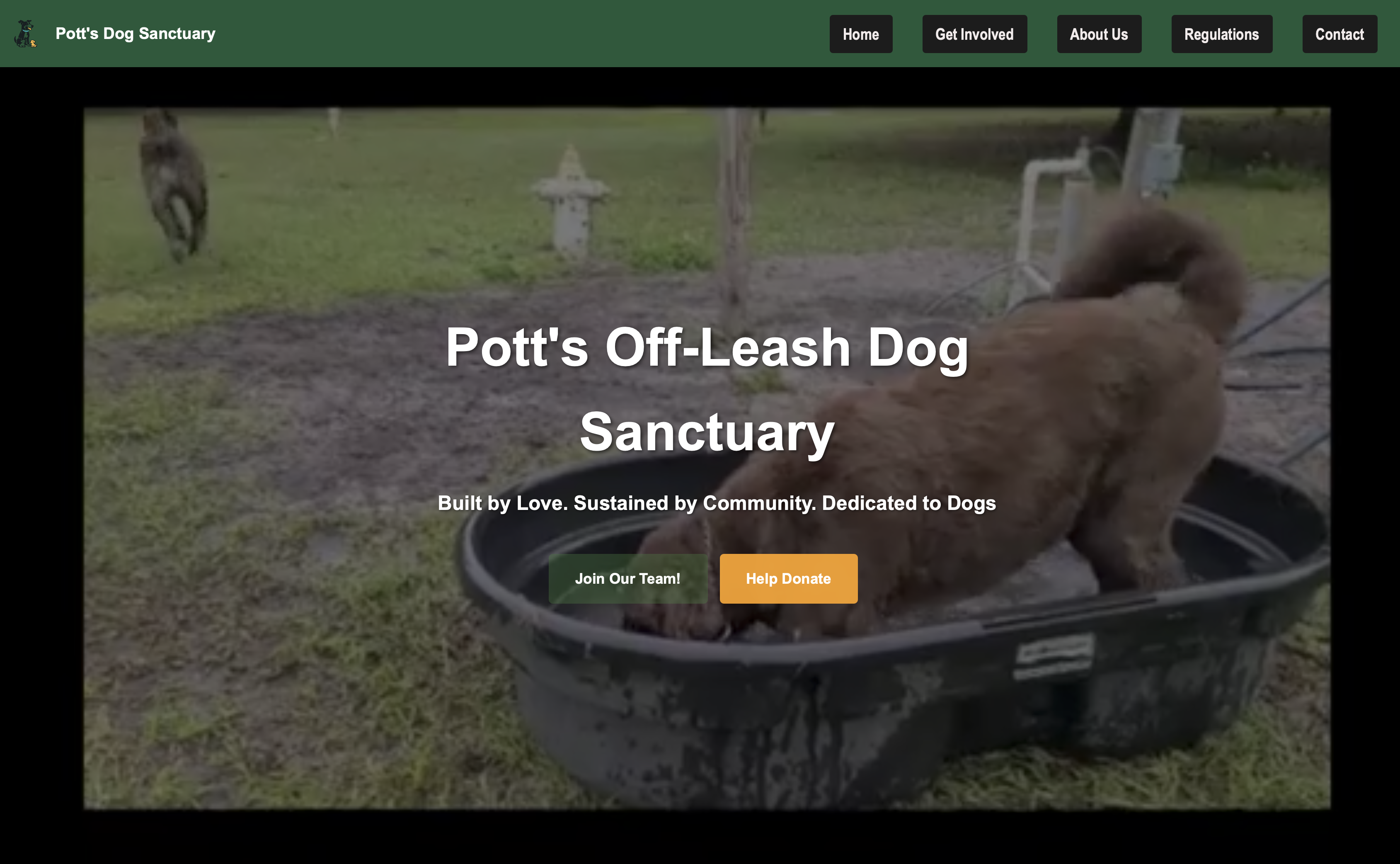
Responsive website for a community dog sanctuary. Designed and built a layout with a video hero, donation call-to-action, volunteer sign-up, and regulation pages, organized so every type of visitor can find their next step quickly.
A website for a community dog sanctuary: a real organization that needed a practical web presence. I designed and built the full site, including a video hero, donation call-to-action, volunteer sign-up, and regulation pages.
The sanctuary's visitors arrive with very different goals. Donors want a quick way to give, volunteers want to sign up, and visitors need the rules before bringing a dog. All of that has to live on one site without the important-but-dry information burying the emotional appeal that motivates donations.
I started from visitor intent rather than from a layout. Most arrivals want to do one of three things: donate, volunteer, or plan a visit. I organized the content around those paths and led with a video hero to communicate the sanctuary's atmosphere immediately.
The main challenge was balance: lead with feeling, but keep practical information one click away. I solved it with hierarchy. The hero and donation path carry the visual weight, while sign-up and regulation content is clearly signposted rather than competing for attention. Keeping text readable over a moving video background also took deliberate work with overlays and type contrast.
A complete, deployed website that serves the organization's real needs: it tells the sanctuary's story and gives every type of visitor a clear next step. It shows I can design around user goals and business needs, not just aesthetics.
Designing for multiple audiences on one site, organizing content by visitor intent, working with video backgrounds responsibly, and taking a real-world project from blank page to deployed site.
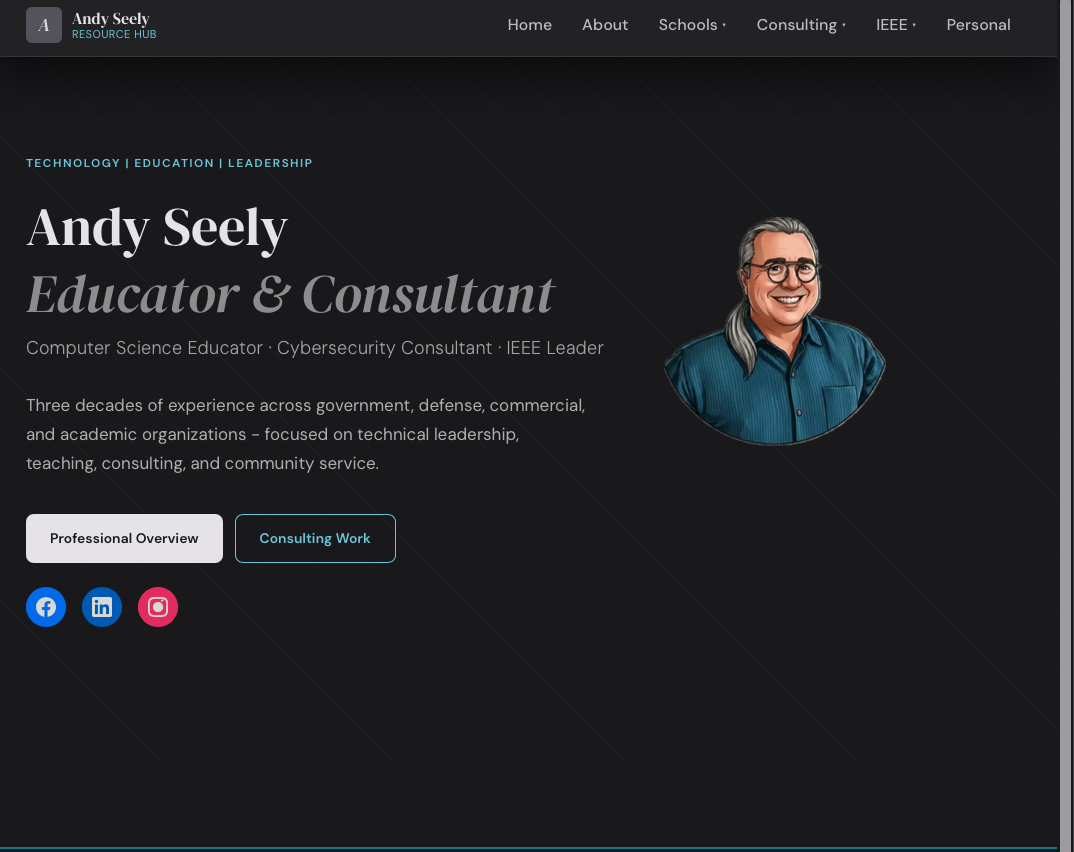
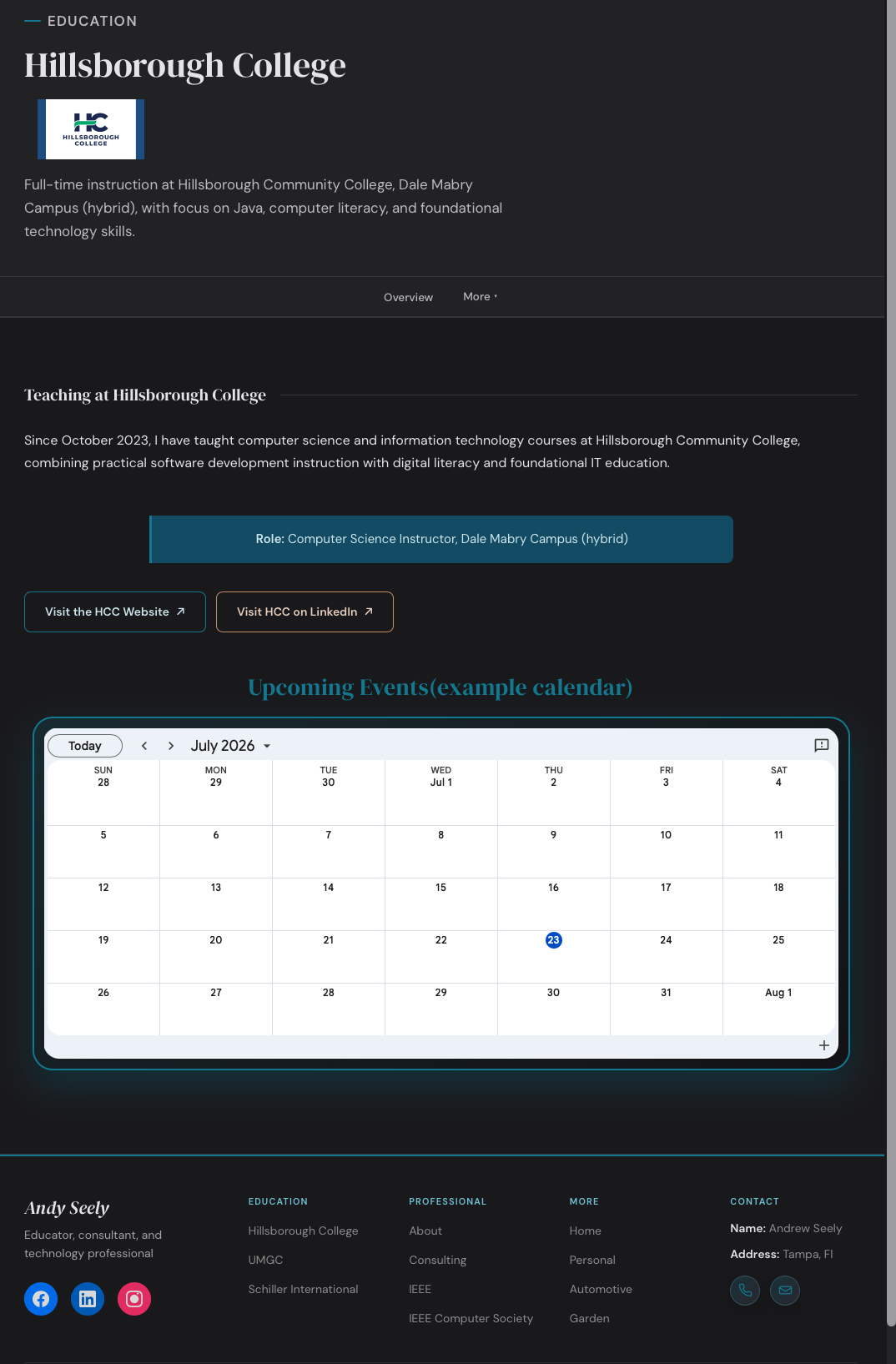
Independent website for an IEEE-affiliated student organization, referred through a professor. The school couldn't host the functionality the club needed, so I'm designing and developing a standalone multi-page site where students can learn about the organization, see upcoming and past events, and access resources. Currently nearing initial launch, with the client planning additional features and content after the first release.
This is a real client project, not a school assignment. A professor recommended me to another web development professor who helps run an IEEE-affiliated student organization. The organization needed a website it couldn't build on the school's existing page, so I'm designing and developing a dedicated, standalone site for them. My role covers the full development process.
Status: the project is in development and approaching its initial launch. The core website is being finalized and prepared for deployment.
The school would not allow the organization to add the website functionality it needed to the school's existing website. As a result, the organization had no dedicated web presence, and students had no single place to find information about the club, its events, and the resources it offers. The organization needed an independent site it could control and grow.
I am responsible for the website's full build. That includes the web design, page structure, information organization, responsive implementation, and building the site in HTML, CSS, and JavaScript. I also handle content implementation and incorporate the client's revisions as we prepare the site for deployment. The client provides the organization's content, requirements, and feedback; the design decisions and the build are my work.
I approached the design by starting from what students need to do, then organizing the site around those tasks. Because the content spans events, past activities, and resources, I chose a multi-page structure so each area has a clear, findable home rather than crowding everything onto one page. Navigation and information hierarchy were the priority: a student should be able to tell at a glance where upcoming events, past events, and resources live. I kept the visual treatment consistent across pages so the site reads as one cohesive product, and designed responsively so it holds up on the phones many students will actually use.
I translated the design into a working site using semantic HTML for structure, CSS for layout and responsive behavior, and JavaScript for interactivity. The multi-page architecture keeps each section of content in its own file, which makes the site easier to navigate in code and simpler to extend. I kept repeated patterns, like the shared navigation and page layout, consistent across pages so updates and new content can be made in one place rather than page by page. As the site has grown through client revisions, I've tested the responsive behavior and layout as part of preparing it for launch.
Working with a real client is different from a personal or class project because the requirements come from someone else's needs, not my own assumptions. My job has been to translate the client's goals, like "students need to find events and resources," into concrete page structure and design decisions. I've gathered the client's content and feedback, made revisions based on it, and balanced my design judgment against what he actually wanted. Because the client plans to keep adding content and features after launch, I've also had to build with their future changes in mind, not just the first version.
Organizing varied content. Problem: the site has to serve several distinct needs — about the organization, upcoming events, past events, and resources — without any one burying the others. Thought process: forcing it all onto one page would make everything hard to find. Solution: a multi-page structure with clear navigation so each type of content has a dedicated, predictable place.
Designing for an unfinished scope. Problem: the client has more content and features planned after launch, so the site can't be structured as a fixed, finished thing. Thought process: if I hard-code the current content into rigid layouts, every addition becomes a rebuild. Solution: keep the structure and components consistent and modular so new content slots in without breaking the layout or navigation.
This project is still in development. The core multi-page website — structure, design, responsive layout, and the initial content — is built and deployed to a live staging URL, and it is being finalized for its initial launch. Additional client-requested features, content, and improvements are planned for future iterations after the first release.
Because the project isn't finished, I won't claim final metrics. What it has accomplished so far: the organization now has a dedicated platform it controls, students have a centralized place to access information, events, and resources, and the project has progressed from the client's initial constraint — "we can't build this on the school's site" — into a functional website approaching launch.
This has been my first sustained real-client project, and the biggest lessons are about process, not just code: how to turn a vague request like "a place for students to find things" into concrete page structure and design decisions; how to design for actual users instead of hypothetical ones; how to handle revisions and changing requirements without losing the design's coherence; and how to build a site that's ready for real-world deployment and the changes that come after it.
The immediate focus is finishing the core website and deploying it for the initial launch. After that, the client has additional features, content, and improvements they want to add, which I'll implement in future iterations as the site grows.

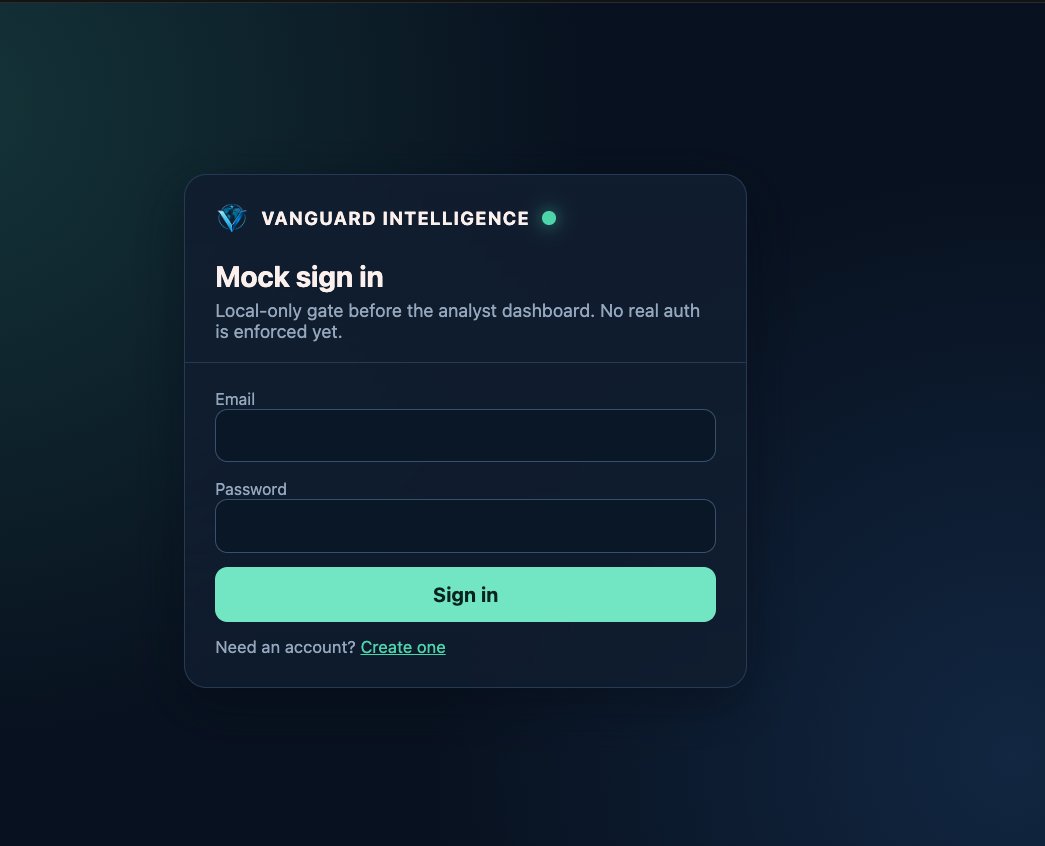
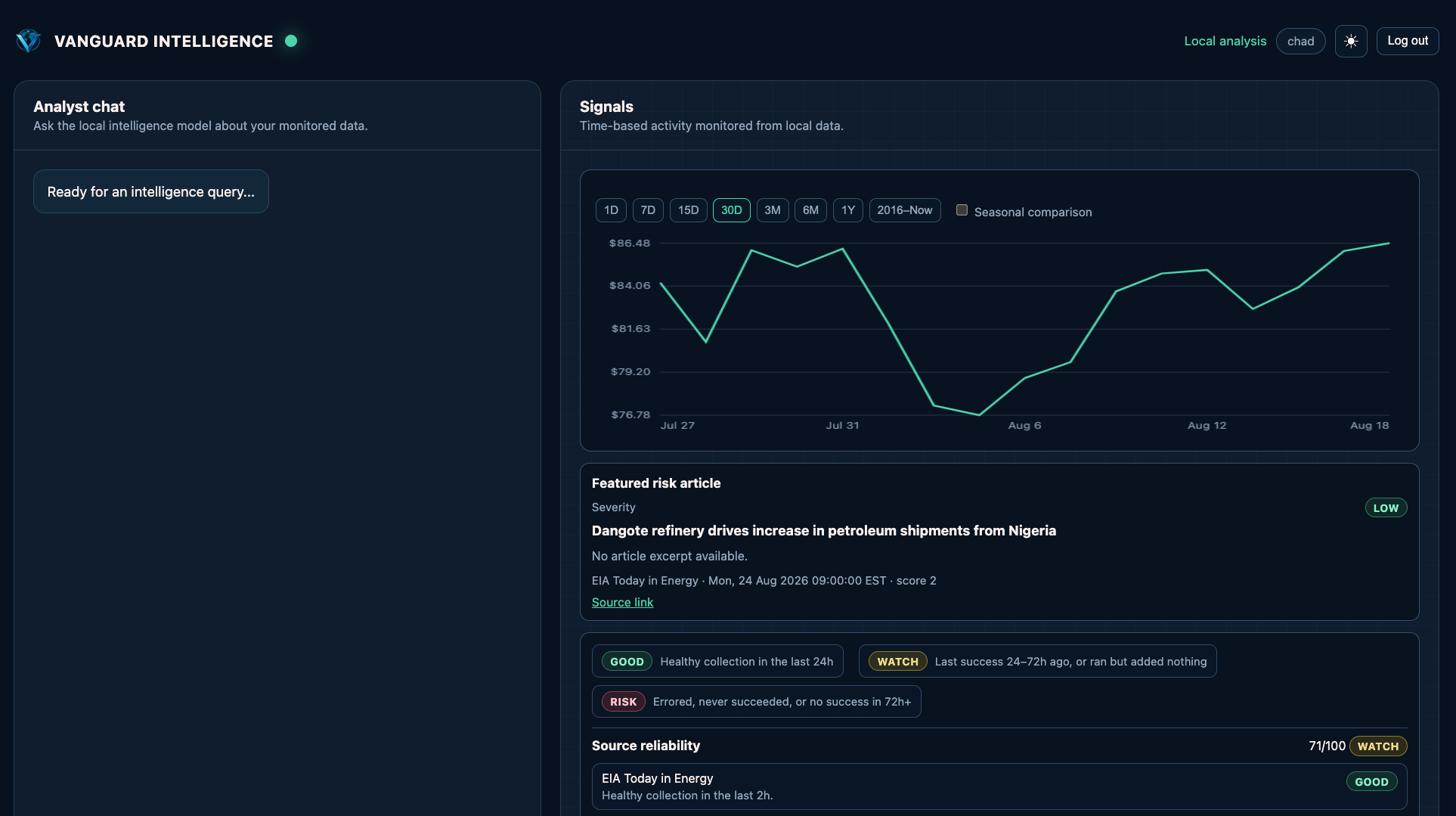
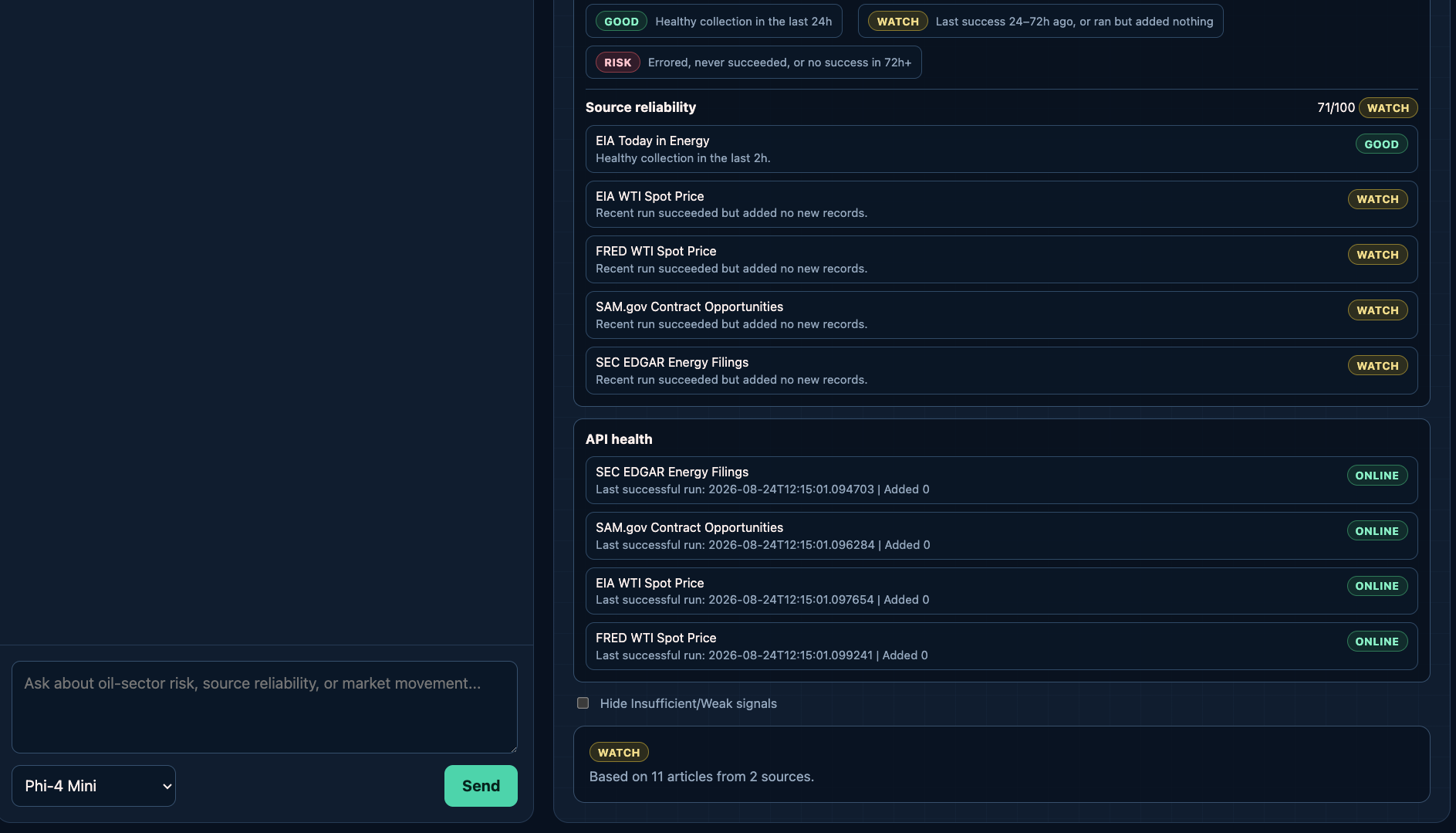
LLM-powered dashboard for monitoring oil and energy market signals, built as a team project. I joined after the initial build and owned front-end improvements: a rebuilt chat input and loading flow, light/dark themes, full mobile responsiveness, and UI safeguards that flag weak data instead of letting the model guess.
A team-built, LLM-powered web scraping dashboard that helps analysts monitor oil and energy market signals in one place (Python/Flask with a local LLM via Ollama). I joined after the initial dashboard and chat interface had been built; my role centered on the front end: usability, responsiveness, and making the quality of the data visible in the UI.
The core system worked, but the interface had not caught up. The chat input and loading flow gave poor feedback, the layout assumed a desktop screen, and, most importantly for an analyst tool, the LLM could present confident-sounding output built on weak data without the interface warning anyone.
Because this was an existing codebase, I started by reading, not writing: understanding the structure and conventions before changing anything. Then I listed the friction points from actually using the dashboard and worked through them one at a time, keeping each change small and consistent with the patterns already in place.
The hardest part was the trust problem: an analyst tool that occasionally presents weak data confidently is worse than one that admits uncertainty. My solution was to move reliability into the interface itself, through source scoring, API health indicators, and weak-signal flags, so the user can judge the output instead of blindly trusting it. Working inside code I did not write was its own challenge; matching established conventions mattered more than rewriting things my way.
The project concluded with a live demonstration, cost analysis, and presentation to the board. For me it proved I can step into a team project, find the highest-value improvements, and ship them without disrupting the team's work.
Reading and extending an unfamiliar codebase, designing UI around data quality and trust, making information-dense layouts responsive, and presenting technical work to non-technical stakeholders.
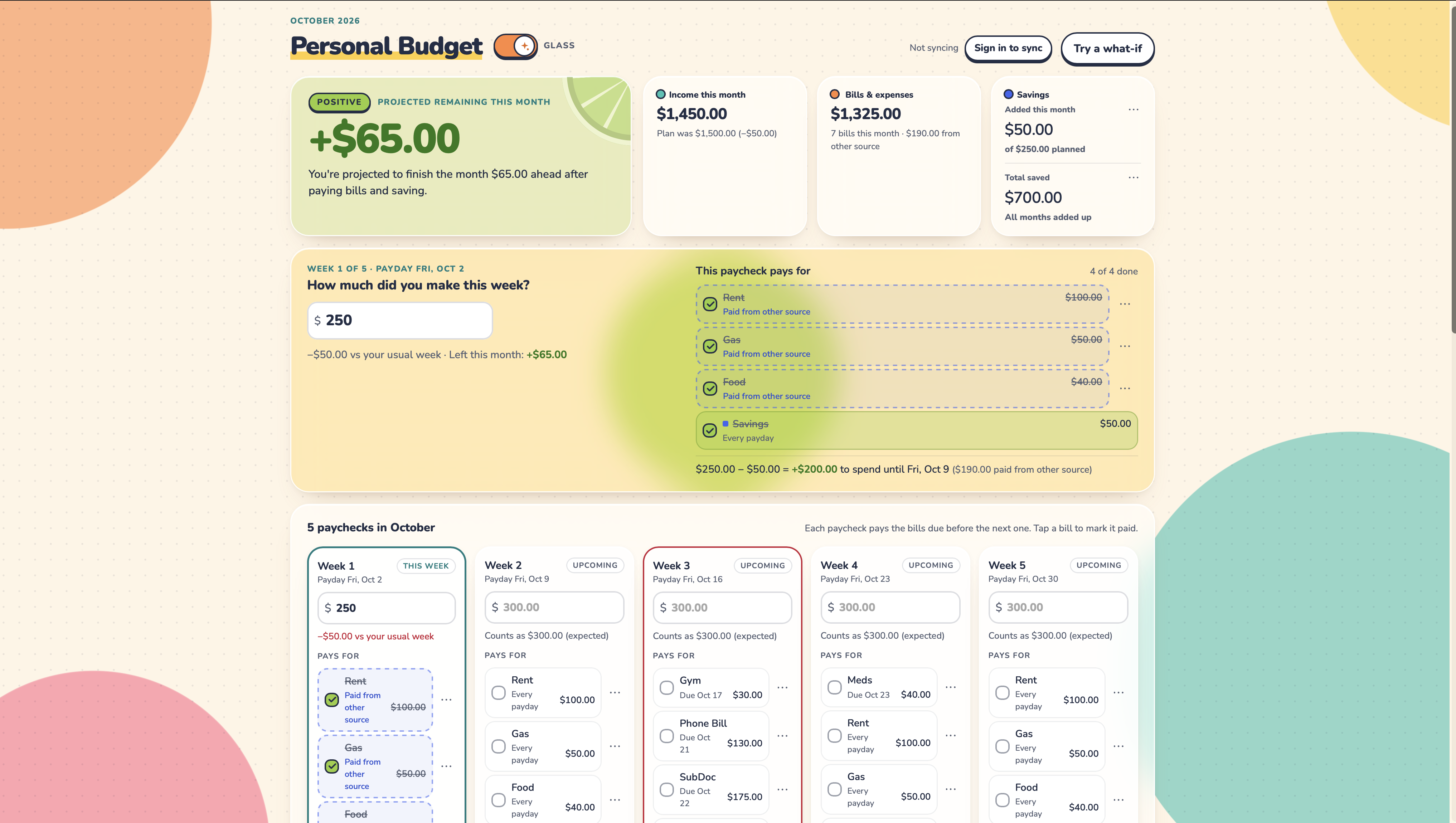
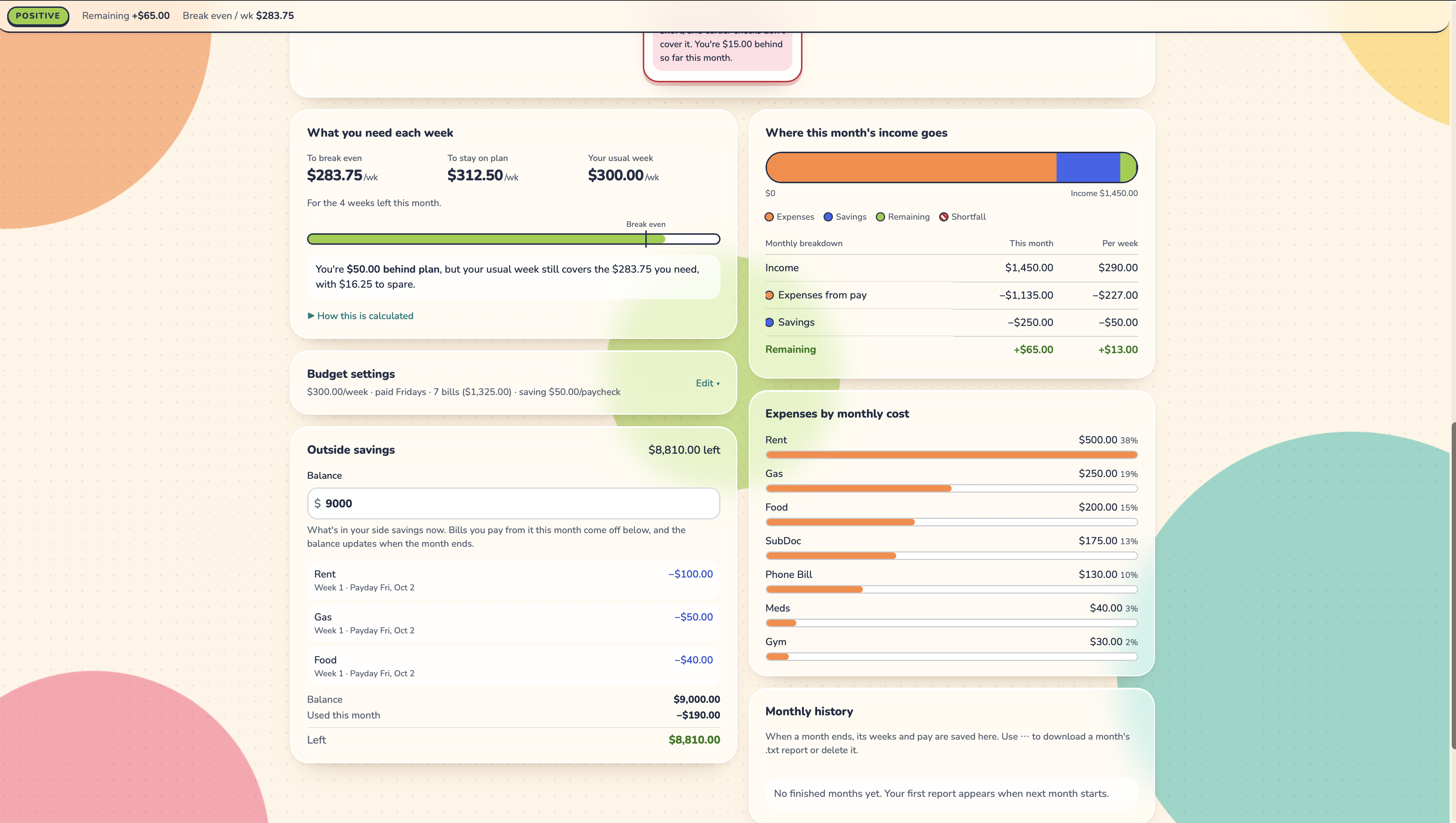
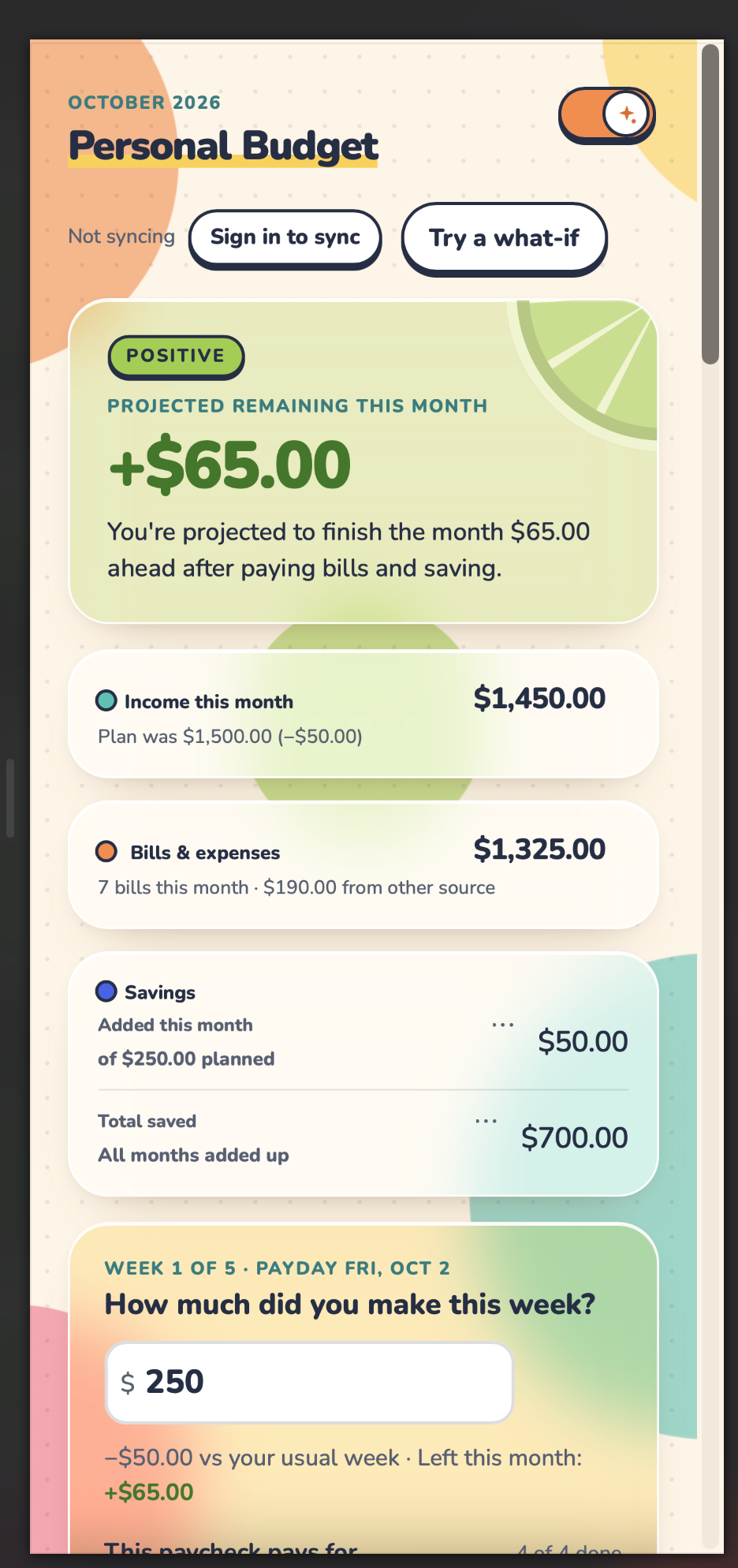
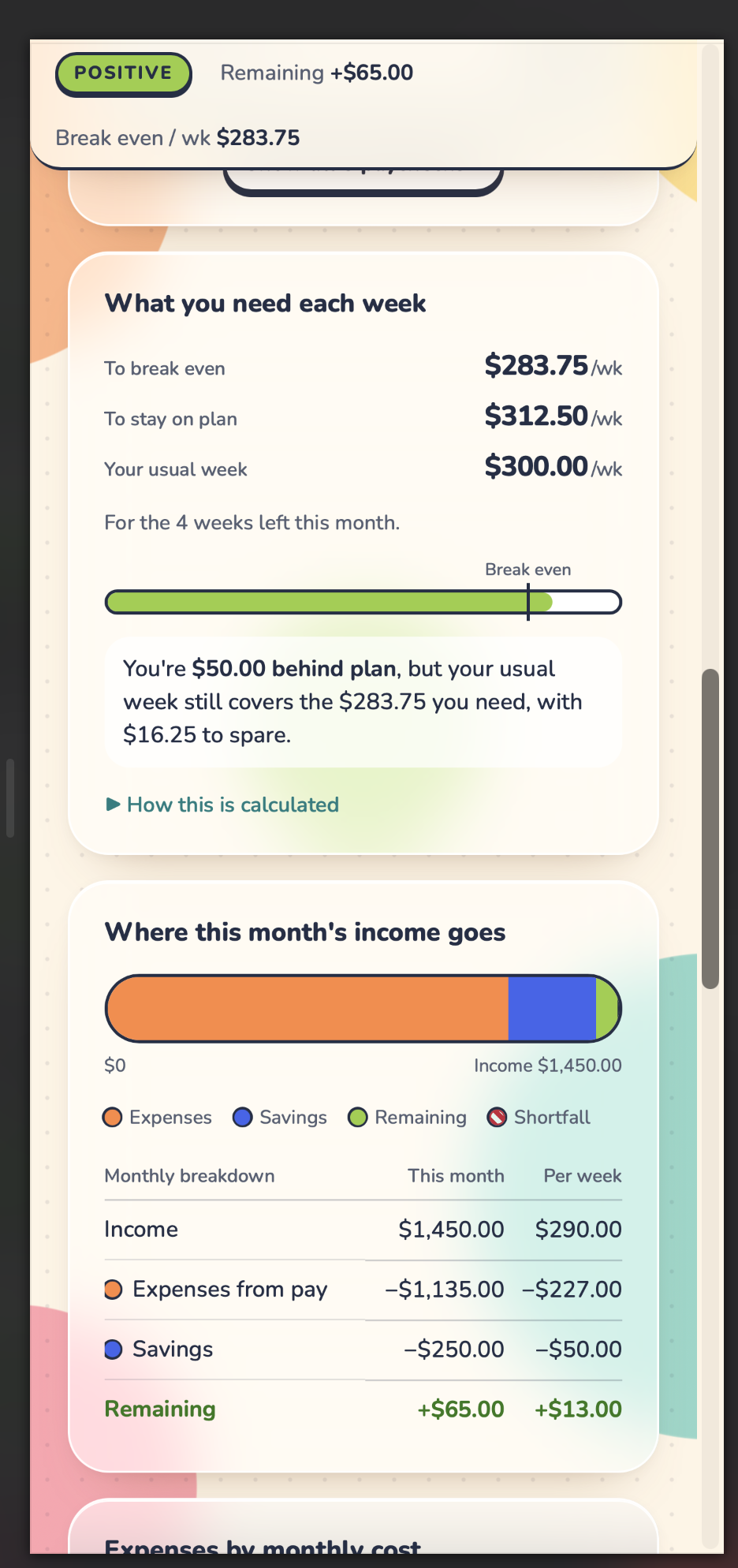
A budgeting app built around weekly paychecks. It shows which Friday's pay covers which bill and syncs between my phone and laptop. I owned the product, design, and testing, and Claude assisted in configuring the math logic, and helped with debugging and testing.
A budgeting app I use every week, built with HTML, CSS, and vanilla JavaScript, with Firebase for sign-in and storage. I was the product owner, designer, and tester, and Claude assisted in configuring the math logic, and helped with debugging and testing. I defined every feature and rule, approved the designs, set up GitHub, Firebase, and the security rules, tested on my own phone and laptop, and approved every commit.
I get paid every Friday. Most budgeting apps assume monthly pay and divide by 4.33 weeks, but a real month has four or five paydays. My rent is weekly and my other bills are monthly with different due dates, so the question I actually had was which paycheck pays which bill. My pay also changes week to week, and sometimes I cover a bill from a separate savings account. I couldn't find a tool that handled any of that.
I started with a one-page budget calculator and put it on GitHub first so every change could be reviewed and undone. Then I replaced the 4.33-week average with a count of the real Fridays in each month. Before building the paycheck cards, I reviewed a clickable mockup and changed the rules (weekly rent, editable due dates) before any code existed. After a few weeks of daily use, I cut the summary from six tiles to three and merged panels that repeated each other.
A tab left open overnight from September 30 to October 1 saved October's pay under September and then wiped it. Now the app checks the month again whenever you come back to the tab or start typing. My phone and laptop could also overwrite each other, so every piece of data now carries the time it was last changed and the newer copy wins. The reminder had its own bug: macOS's open command was quietly dropping the pay amount from the link. I set up a small local server to log the exact URL Safari received, found the problem, and switched to AppleScript.
It's live on my phone and laptop and I use it every week. On Friday I get one prompt and enter one number, and I can see which bills that check covers. It shipped through 12 reviewed commits.
Model the real unit. Once the app counted paychecks instead of months, the numbers matched my bank account. Real devices find bugs a test browser won't. And directing an AI assistant is a skill of its own: clear requirements, checking the output against real use, and asking for a bug review before every commit.
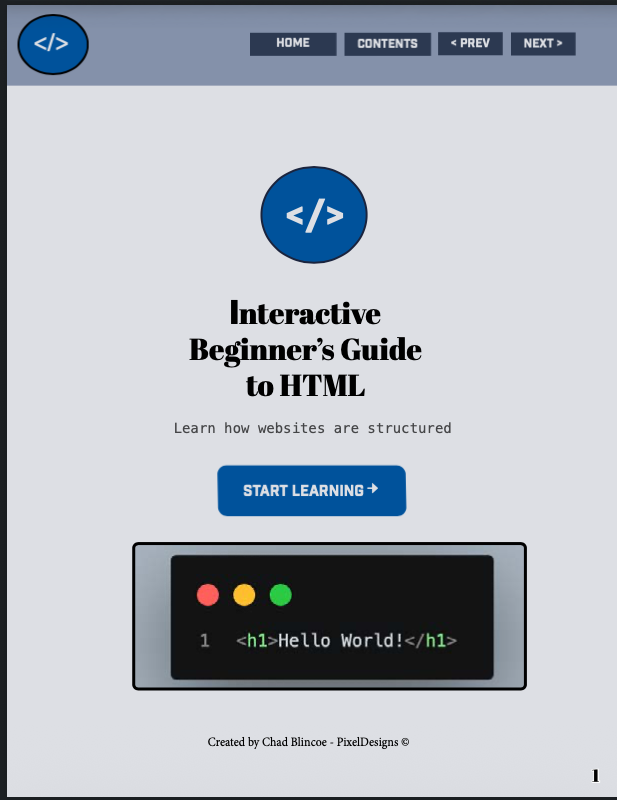
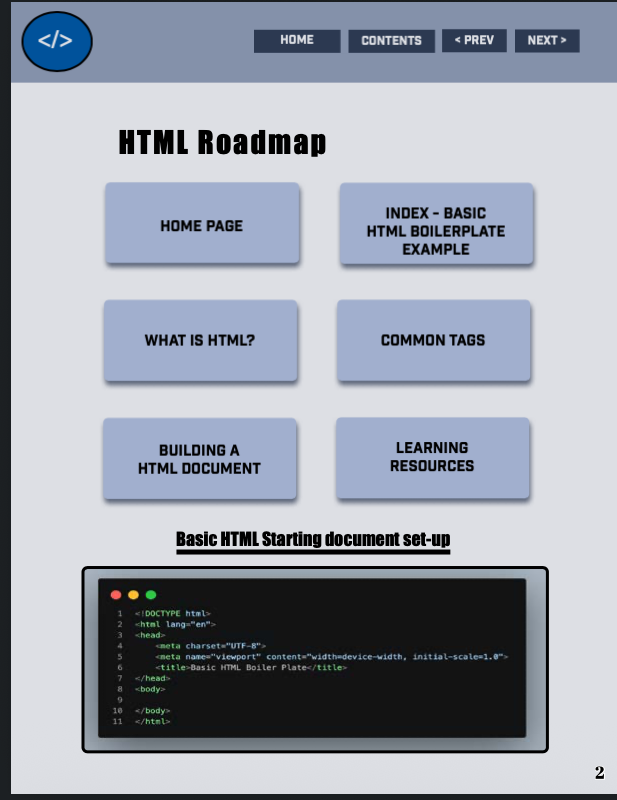
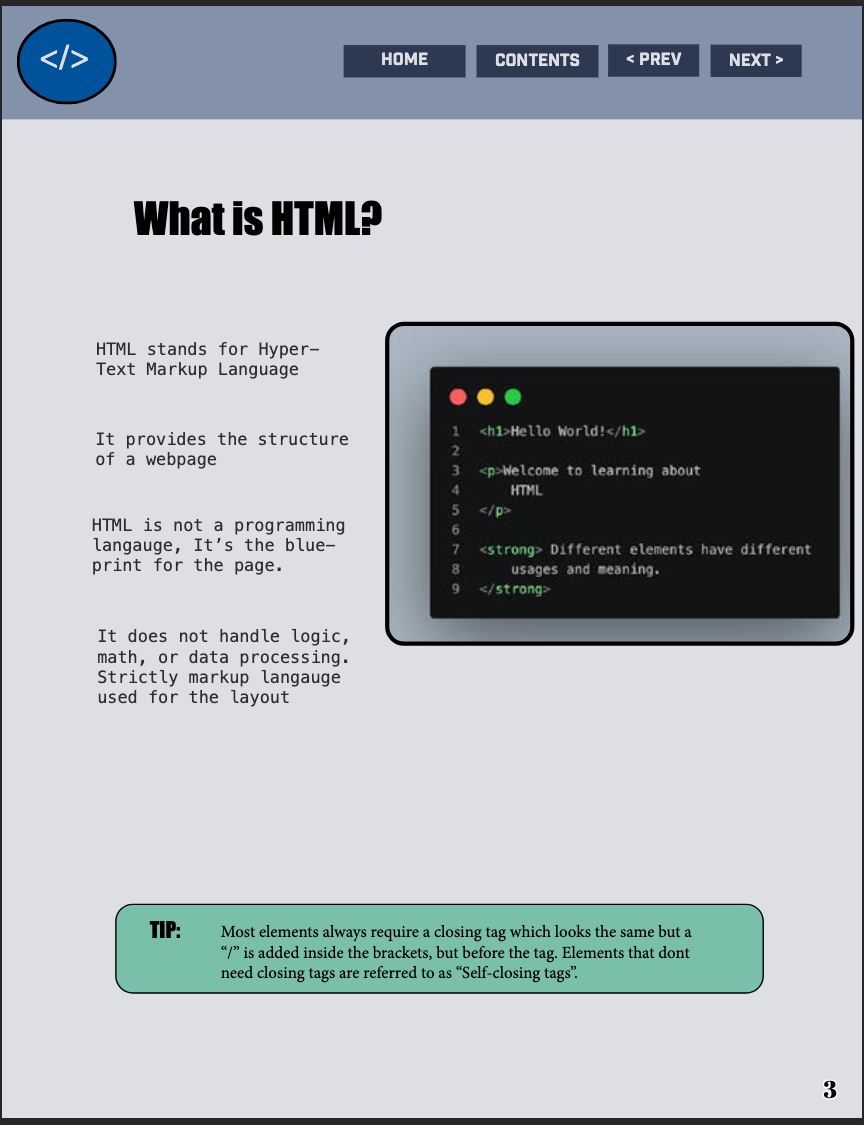
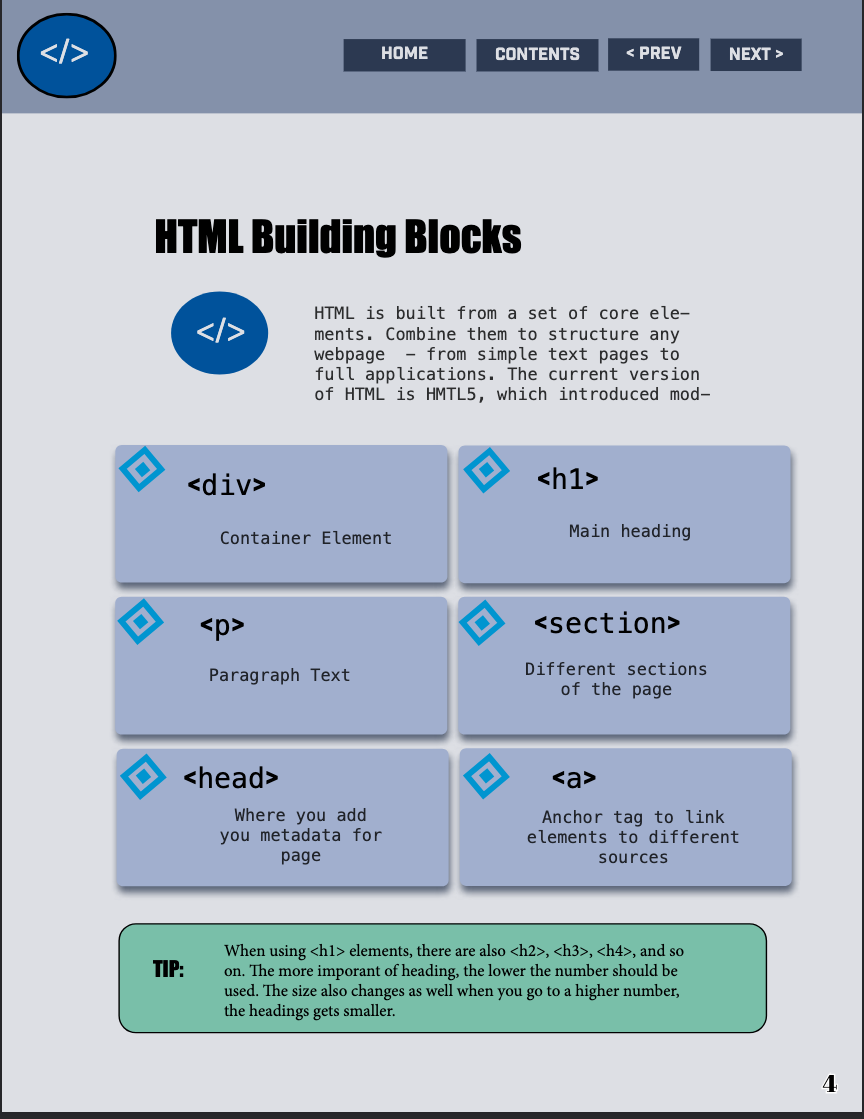
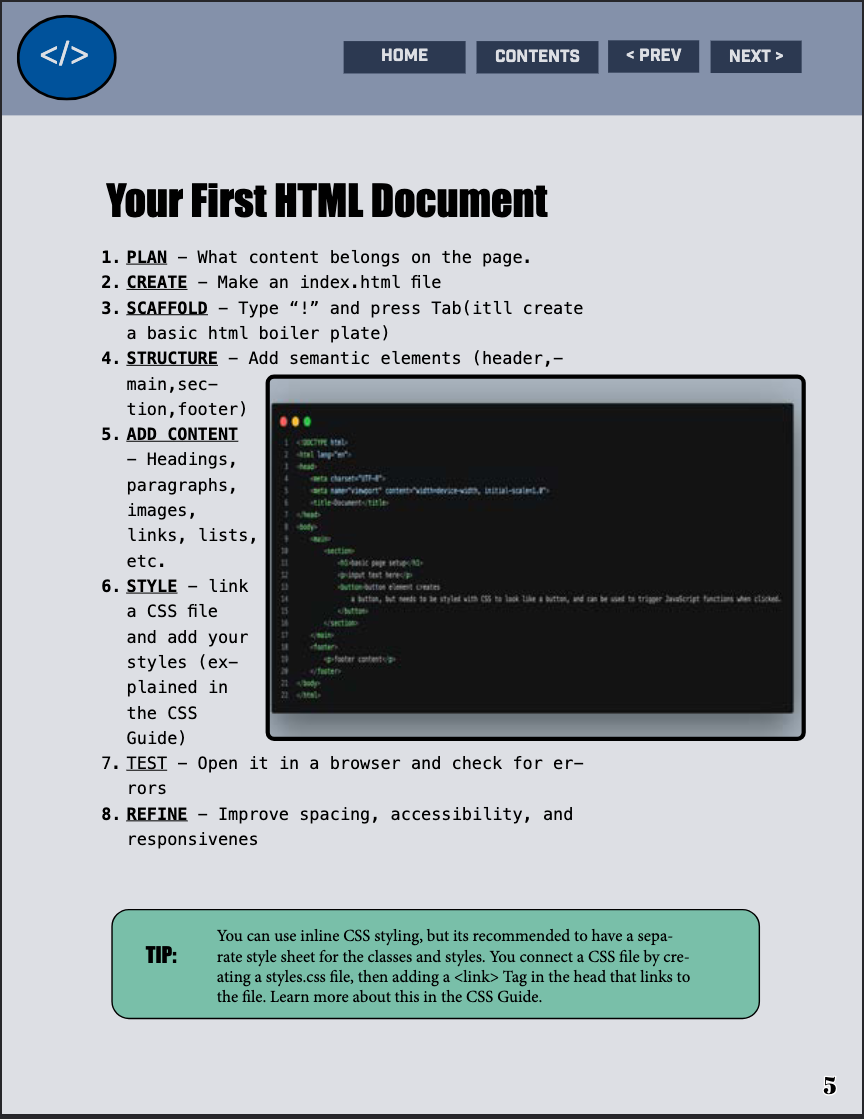
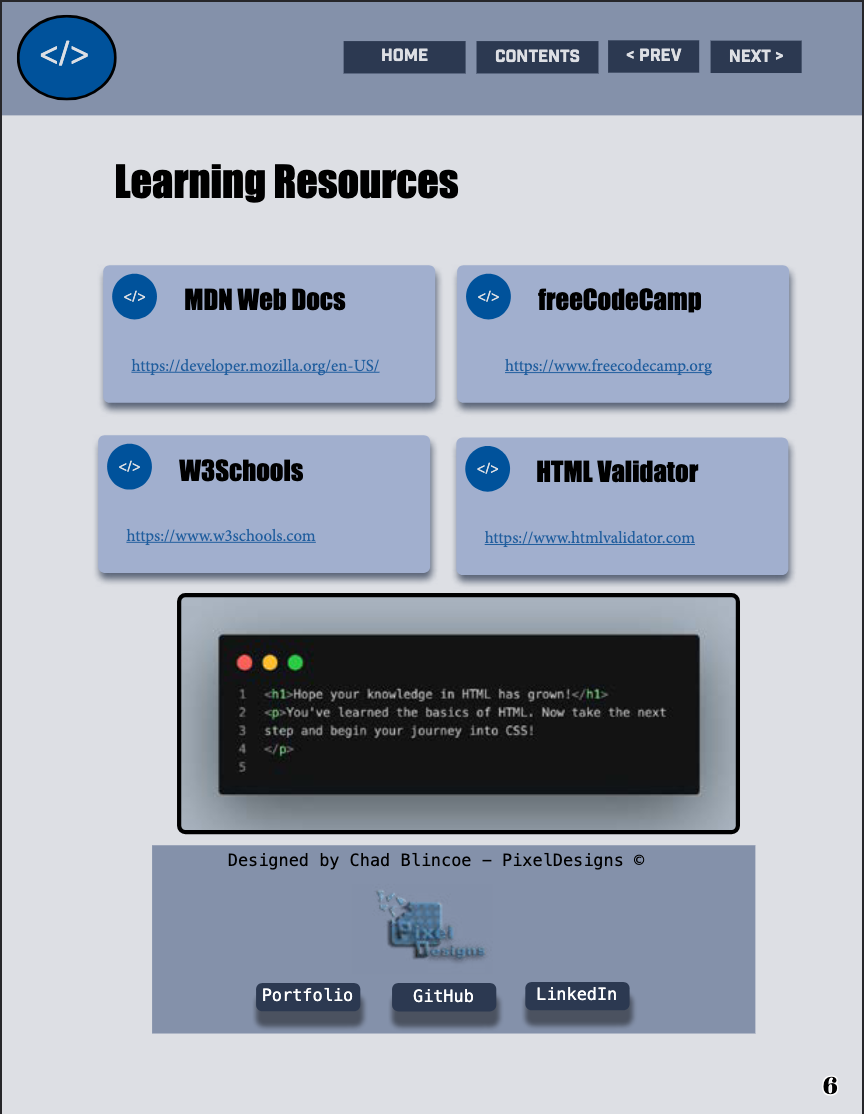
Interactive newsletter built in Adobe InDesign with a clean editorial layout, clickable navigation, and a digital reading flow.
I'm open to full-time, internship, and contract roles in front-end development. I build responsive, accessible websites with real users in mind, and I'm ready to bring that to a team.